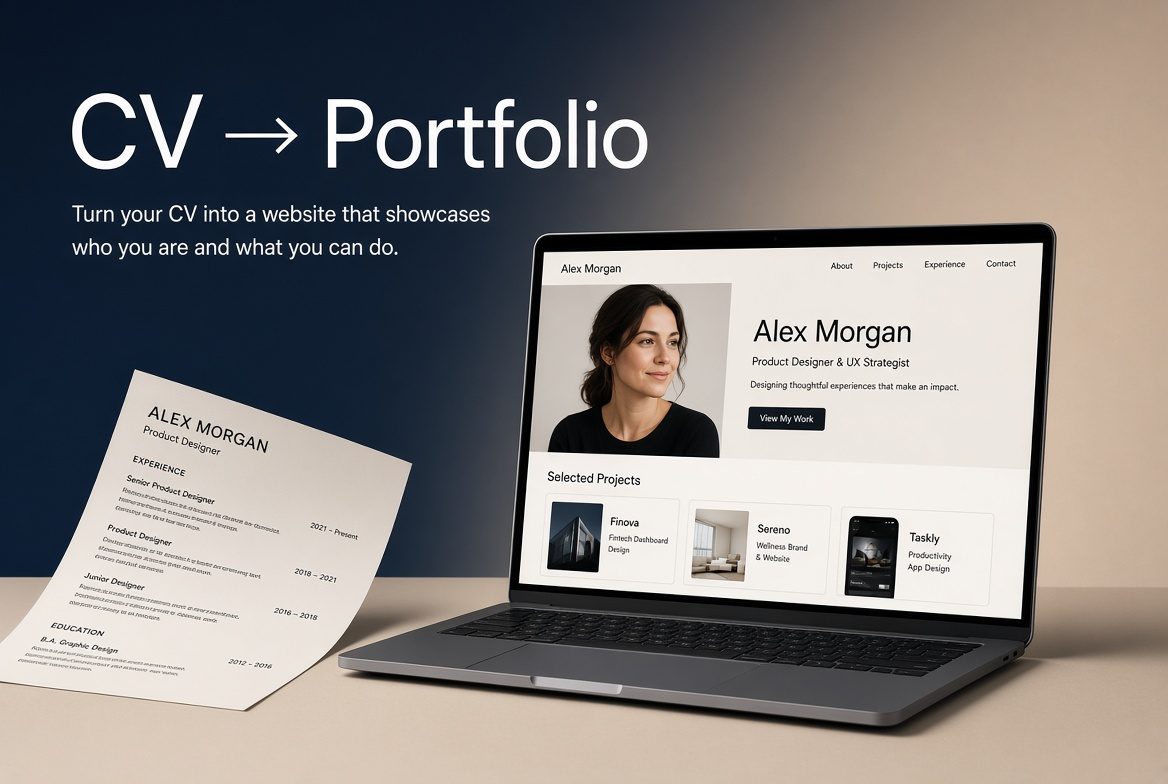
The short answer: to turn your CV into a website for free, pick a free website builder, copy or import your CV into a design made for your job, add two or three examples of your work, and publish it at the free address the builder gives you. With a builder that reads your CV for you, it takes about ten minutes, and you can share one link instead of a PDF.
Updated 30 October 2026.
Your curriculum vitae is a static document. In most hiring processes it gets a few seconds of attention, if it is opened at all. A PDF cannot show the quality of your work, prove that you understand the role, or appear in Google search results. A simple personal website can do all three.
What a CV website gives you that a PDF cannot
It can be discovered. When someone searches for an accountant portfolio, a nurse portfolio or a project manager portfolio, a live page has the chance to appear in the results. A PDF attachment does not.
It shows the work. Case studies, measurable results, project photos, certificates or a short video of you explaining your approach can all live on one page. Recruiters see evidence rather than claims.
It stays current. You update one page, and every link you have already shared points to the latest version.
| PDF CV | CV website | |
|---|---|---|
| Found on Google | No | Yes, by your name and job title |
| Shows real work | Text only | Photos, results, video, links |
| Up to date after you send it | No | Always the latest version |
| Opens well on a phone | Often not | Yes |
| Cost | Free | Free to start |
How to turn your CV into a website, step by step
1. Start with what you already have
Your CV already holds most of the content: your name, a one-line summary, roles, skills and qualifications. In Kitefolio you can upload your PDF or Word CV, or import your official LinkedIn data export, and your details are placed into the right sections. Nothing is invented: facts that are not in your CV are left out. (Reading a CV uses AI credits. Every new account gets 60 free credits to start, or you can type your details in yourself.)
2. Choose a design made for your job
A nurse, an accountant and a developer need different things on the first screen. Kitefolio has designs for more than 150 job titles, each already laid out for what that job needs to show. Browse them in the template chooser.
3. Add proof, not just duties
Turn two or three lines of your CV into short examples: the problem, what you did, and the result in numbers. One real example does more than a list of ten responsibilities.
4. Check every line, then publish
Read the page as a stranger would. Click any text to change it, swap the photo, hide a section you don't need. Then publish at your free address, such as kitefolio.com/p/yourname, and put the link in your email signature, LinkedIn profile and job applications. When you want a more professional address (yourname.com), you can connect your own domain later.
Before and after: one CV line, turned into a website section
On the CV: "Staff nurse, ICU, Dubai, 2021–present. Responsible for patient care and monitoring."
On the website:
ICU staff nurse, Dubai (2021 to now). I care for up to two ventilated patients a shift in a 20-bed adult ICU. I trained six new nurses on our sepsis checklist, and I hold DHA registration, BLS and ACLS (renewed 2026).
The facts are the same. The website version says what the job was really like, shows what you improved and names the checks a recruiter looks for. (This example is invented to show the idea; use your own facts and numbers.)
Your privacy and keeping it up to date
A CV is sent to one employer; a website can be read by anyone. Before you publish:
- Leave out your home address, date of birth, ID or licence numbers and family details. A city and a contact button are enough.
- Choose how people contact you: an email or WhatsApp button rather than a phone number printed on the page.
- Leave out what you are not ready to share. Empty sections don't show on the page, so you can add them later.
- Update it in minutes. Change a line, add a new job or a certificate, and the same link shows the new version straight away. Every link you have already sent stays correct.
Free ways to turn a CV into a website, compared
There is more than one good free option. Here is a fair comparison, based on each company's own pages in October 2026. Prices and limits change, so check before you choose.
Tools that read your CV for you
| Tool | Free plan | Your own domain | Best for |
|---|---|---|---|
| Kitefolio | One live website with a blog at kitefolio.com/p/yourname, with a small "Made with Kitefolio" link; 60 free AI credits to start | With Pro, AED 40 (about US$11) a month; the yearly plan includes a domain up to AED 50 | People who want a design made for their job (160+ jobs), filled in from their CV, that they can keep editing |
| Hello.cv | Free Starter plan with one profile | Pro is US$9.99 a month and includes a yourname.cv address | A simple online CV at a .cv address |
| Self.so | Free and open source; upload a CV or LinkedIn PDF and get a site in about a minute | Not stated on its site | The fastest possible one-page site |
| Craftfolio | Free and open source; turns a CV into a portfolio on a personal subdomain | Not clearly stated | People happy with a single generated layout |
General free website builders
| Option | Free plan | Your own domain | Best for |
|---|---|---|---|
| Carrd | Free one-page sites at a carrd.co address | From Pro Standard, US$19 a year | A very simple one-page site |
| Canva | Up to five sites at a my.canva.site address, with a Canva footer | Needs Canva Pro | People who already design in Canva |
| Google Sites | Free with a Google account | You can connect a domain you already own | A plain site with no design work |
| GitHub Pages | Free hosting | Free to connect a domain you own | Developers comfortable with code |
If you want a site in sixty seconds and don't mind a generic layout, Self.so is quick. If a .cv address matters to you, look at Hello.cv. If you are a developer, GitHub Pages is hard to beat. If you want a design already written for your job, filled in from your CV and easy to keep editing, that is what we built Kitefolio for. For paid builders, see Wix vs Squarespace vs Carrd: what a portfolio really costs in the UAE and UK.
A free personal website for job seekers: what to put on it
Keep it to one page that answers a recruiter's questions in the order they ask them:
- Your name and the job you want, in the heading, for example "Sara Ahmed, ICU nurse".
- A two-line summary of what you do and for whom.
- Two or three examples of your work, with results.
- Experience and qualifications, shorter than on your CV, with licences and certificates named.
- "Open to work" if you are looking, and the roles and places you want.
- How to contact you, plus a link to download your CV as a PDF for applications that ask for one.
Leave out your full home address, date of birth and ID numbers. A website is public.
Who benefits most
- Job seekers who want something stronger than a PDF when applying
- Freelancers and consultants who need a professional online presence without hiring a designer
- People in trust-sensitive fields such as healthcare, law, finance, real estate and education
- Anyone who has been asked "Can you send me your portfolio?" and only had a CV to offer
For more detail on building one, see our guide on how to build a personal website and portfolio that works.
Start free
You can create your first site on Kitefolio with no card. The free plan includes one live website and a blog. When you want your own domain, Google Search Console set up, researched posts or changes made for you, the Pro plan is there.
Turn your CV into a website, free →
Frequently asked questions
How do I turn my CV into a website for free?
Pick a free builder, import or copy your CV into a design made for your job, add two or three examples of your work, and publish at the free address it gives you. On Kitefolio this takes about ten minutes.
What is the best free personal website for job seekers?
It depends on what you need. Kitefolio gives you a design made for your job with your CV filled in; Self.so and Craftfolio generate a quick one-page site from a CV; Hello.cv gives you an online CV at a .cv address; Carrd is a simple one-pager; Google Sites is plain but free; GitHub Pages suits developers. All of them let you publish free at their own address.
Is it safe to put my CV online?
Yes, if you leave out private details. Publish your work, skills and qualifications, and keep your home address, date of birth and ID numbers off the page. Use an email or WhatsApp button instead of printing your phone number.
How long does it take to convert a CV into a website?
Most people finish in under ten minutes when the builder reads the CV for them: upload it, choose a design, make light edits and publish.
Do I need design or coding skills?
No. Kitefolio's designs are made for specific jobs. You edit by clicking the text and typing, and the layout looks after itself.
Can I use my own domain name?
Yes. The free plan uses a Kitefolio address. Pro lets you connect a domain in your name, with HTTPS switched on automatically.
Should I still keep a PDF CV?
Yes. Many application forms still ask for one. Keep it, and put your website link at the top of it.
Related reading: Browse portfolio designs by job · How to build a personal website and portfolio that works