Free template · Practice design
Virtual Assistant portfolioin the Practice style
A free personal website for virtual assistants. It opens with sample content written for your job, starter package and growth package included, so you change the words, add your photo and publish. No code.
No card needed · your own domain with Pro
The essentials
What a virtual assistant portfolio should include
01
What you do, in one line
Example · Your inbox, diary and admin, handled, so you can get back to work.
02
Services and prices
Example · Starter package (£280 / month) · Growth package (£650 / month) · One-off projects (£30 / hour)
03
Results in numbers
Example · 6 regular clients · 8–10 hours a week saved · 24h response time
04
Proof from people you’ve worked with
Example · “I finally take weekends off. Sofia is the best investment I’ve made in the business.”
05
Skills people search for
Example · Inbox management · Scheduling · Invoicing · Customer service · Social media scheduling · Notion
06
One clear way to contact you
Example · Email, WhatsApp or a booking link, on every screen
Why Practice
How Practice presents a virtual assistant
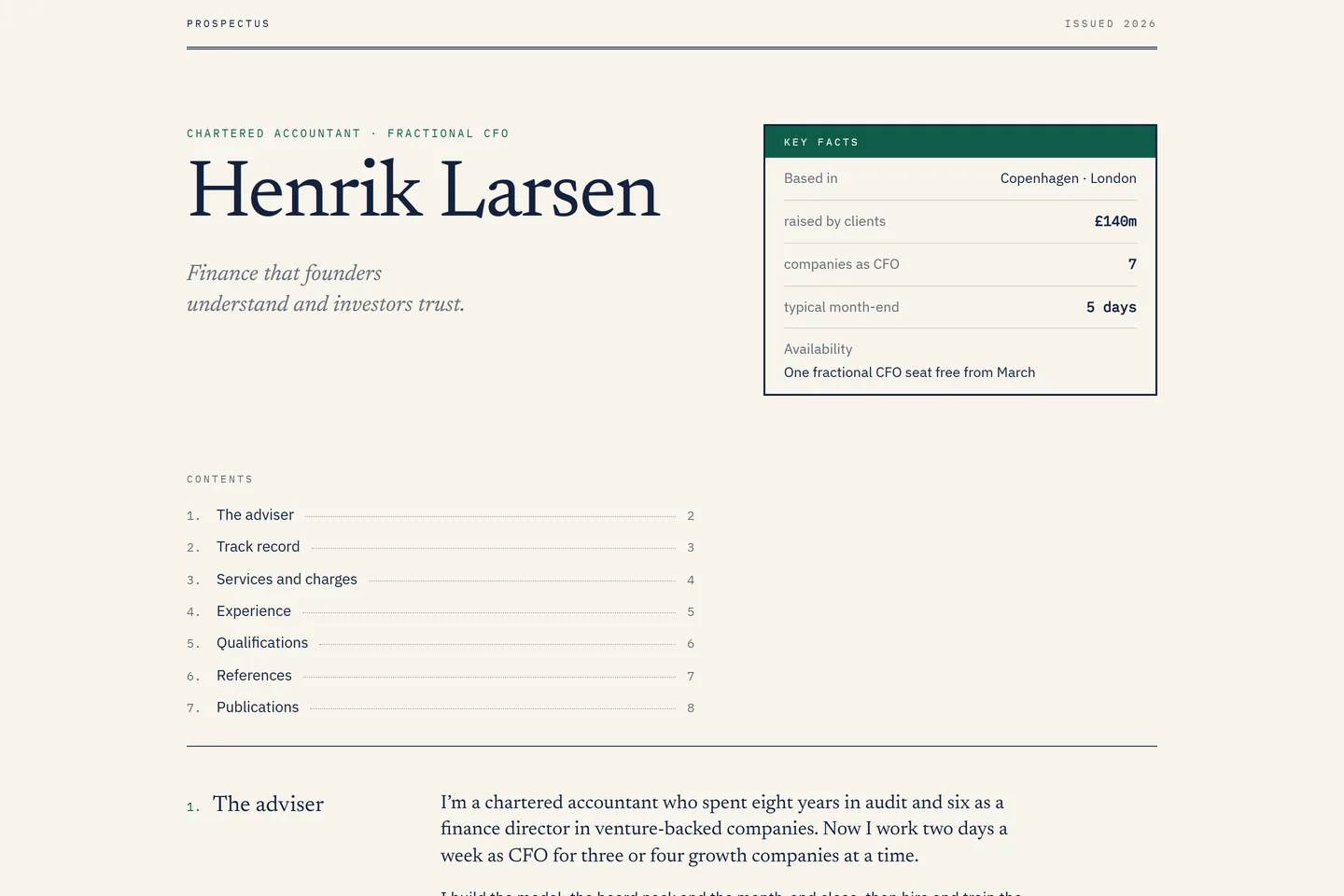
A calm, trustworthy practice site: services with prices, proof, and one clear way to book a call.
- It shows a short, human introduction in your own voice.
- It shows what you offer and what it costs, so the right people get in touch.
- It shows your numbers up front, where a hiring manager or client sees them first.
- It shows your best work as case studies, each with the result it got.
- It shows what clients and colleagues say about you, in their words.
Your virtual assistant website in three steps
01
Open it
Practice opens with sample content for virtual assistants.
02
Make it yours
Click any text or photo to change it, or import your CV or LinkedIn.
03
Publish
Go live at a free Kitefolio address, or on your own domain with Pro.
More virtual assistant portfolio designs
Virtual Assistant portfolio questions
- What should a virtual assistant portfolio include?
- Lead with what you do and who it’s for, then your services (for example starter package, growth package and one-off projects), your credentials (BA Italian & History), key skills such as Inbox management, Scheduling, Invoicing and Customer service, reviews from people you’ve worked with, and one clear way to contact you, like WhatsApp or a booking link.
- Do virtual assistants need a personal website?
- It helps. A website is the one link you can share everywhere, it shows up when people search your name, and it says more than a CV or a social profile: what you offer, what it costs and why people trust you. Kitefolio makes one in minutes, written for virtual assistants.
- Is a virtual assistant portfolio website free?
- Yes. Every design is free, and your website stays online at a free Kitefolio address. Pro puts it on your own domain for AED 35 a month, or AED 299 a year with the first year’s domain free (up to AED 60).
- Can I edit it without coding?
- Yes. Click any text or photo to change it, pick colours and fonts, and publish. The sample content for virtual assistants gets you most of the way; you replace it with your own.
- Why use Practice for a virtual assistant portfolio?
- Practice shows a short, human introduction in your own voice, what you offer and what it costs, so the right people get in touch and your numbers up front, where a hiring manager or client sees them first. It opens with sample content written for virtual assistants, so you replace words rather than start from a blank page.
Developer? The Practice code is free to download from its gallery page. More about the design is there too.