Free template · Noor design
Machine Learning Engineer portfolioin the Noor style
A free personal website for ML engineers. It opens with sample content written for your job, ai feature build and evaluation set-up included, so you change the words, add your photo and publish. No code.
No card needed · your own domain with Pro
The essentials
What a machine learning engineer portfolio should include
01
What you do, in one line
Machine Learning Engineer
AI features that work in production, not just in notebooks.
02
Services and prices
- AI feature buildQuote
- Evaluation set-upS$4,500
- Cost reviewS$3,000
03
Results in numbers
30Mrequests a day−58%inference cost+14%search conversion04
Proof from people you’ve worked with
“Wei shipped the search improvement our users had wanted for two years.”
Head of Product · Client 05
Skills people search for
- PyTorch
- LLMs
- Retrieval & ranking
- Evaluation
- MLOps
- Python
- Kubernetes
Use the words people type into Google, so they find you.
06
One clear way to contact you
WhatsApp meEmailEmail, WhatsApp or a booking link, on every screen.
Why Noor
How Noor presents a machine learning engineer
A data scientist's page with a moving 3D scene behind it: numbers that count up, your tools, a career timeline, projects that open in a side panel, kind words and a contact form. Visitors can switch light and dark. Pro: the Kitefolio team puts your details in for you.
- It shows a short, human introduction in your own voice.
- It shows your numbers up front, where a hiring manager or client sees them first.
- It shows the skills and tools people search for.
- It shows where you’ve worked, in a clean timeline.
- It shows your best work as case studies, each with the result it got.
Your machine learning engineer website in three steps
01
Open it
Noor opens with sample content for ML engineers.
02
Make it yours
Click any text or photo to change it, or import your CV or LinkedIn.
03
Publish
Go live at a free Kitefolio address, or on your own domain with Pro.
More machine learning engineer portfolio designs
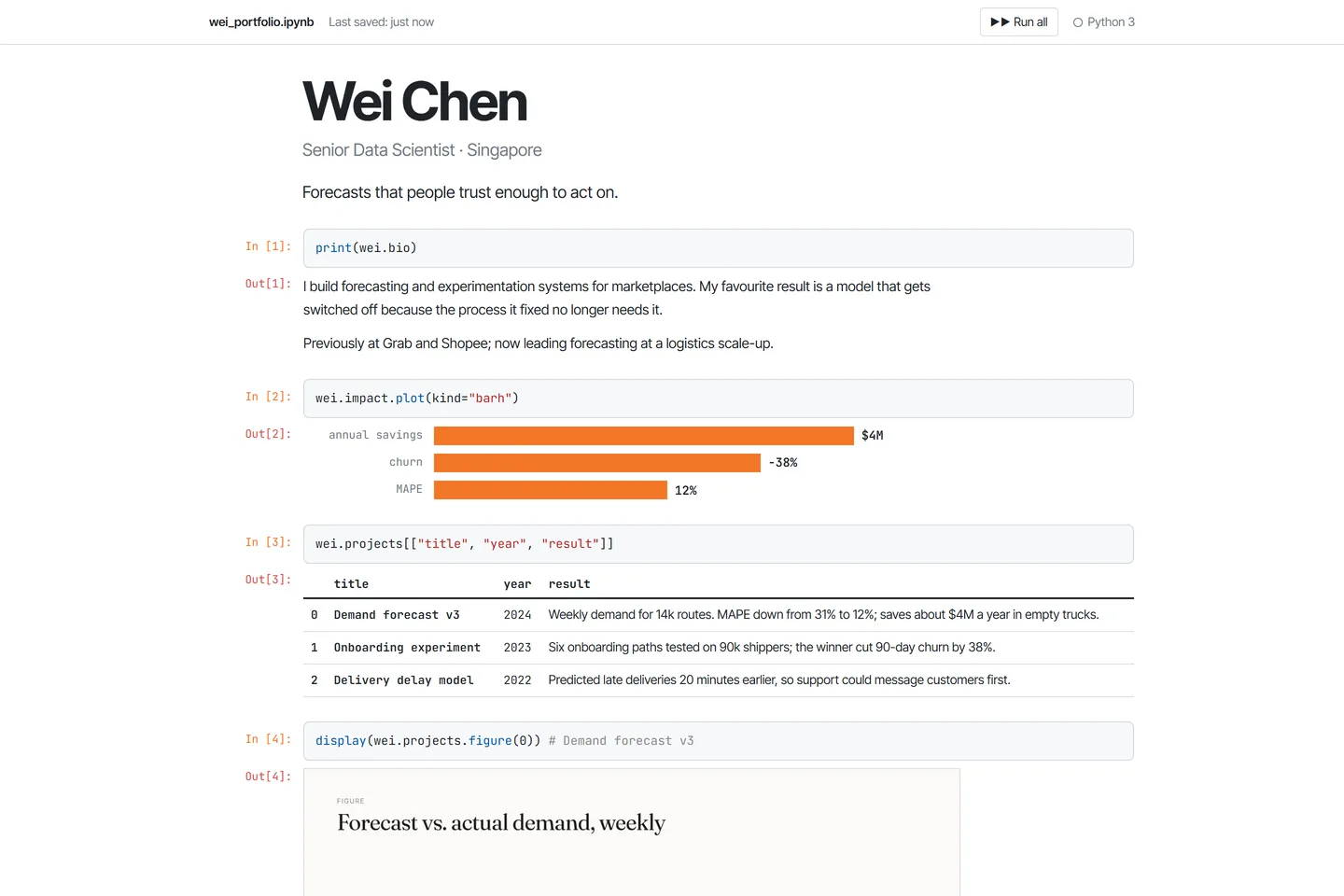 NotebookA computational notebook: In[1] / Out[1] cells, charts as outputs and your career run top to bottom.
- New
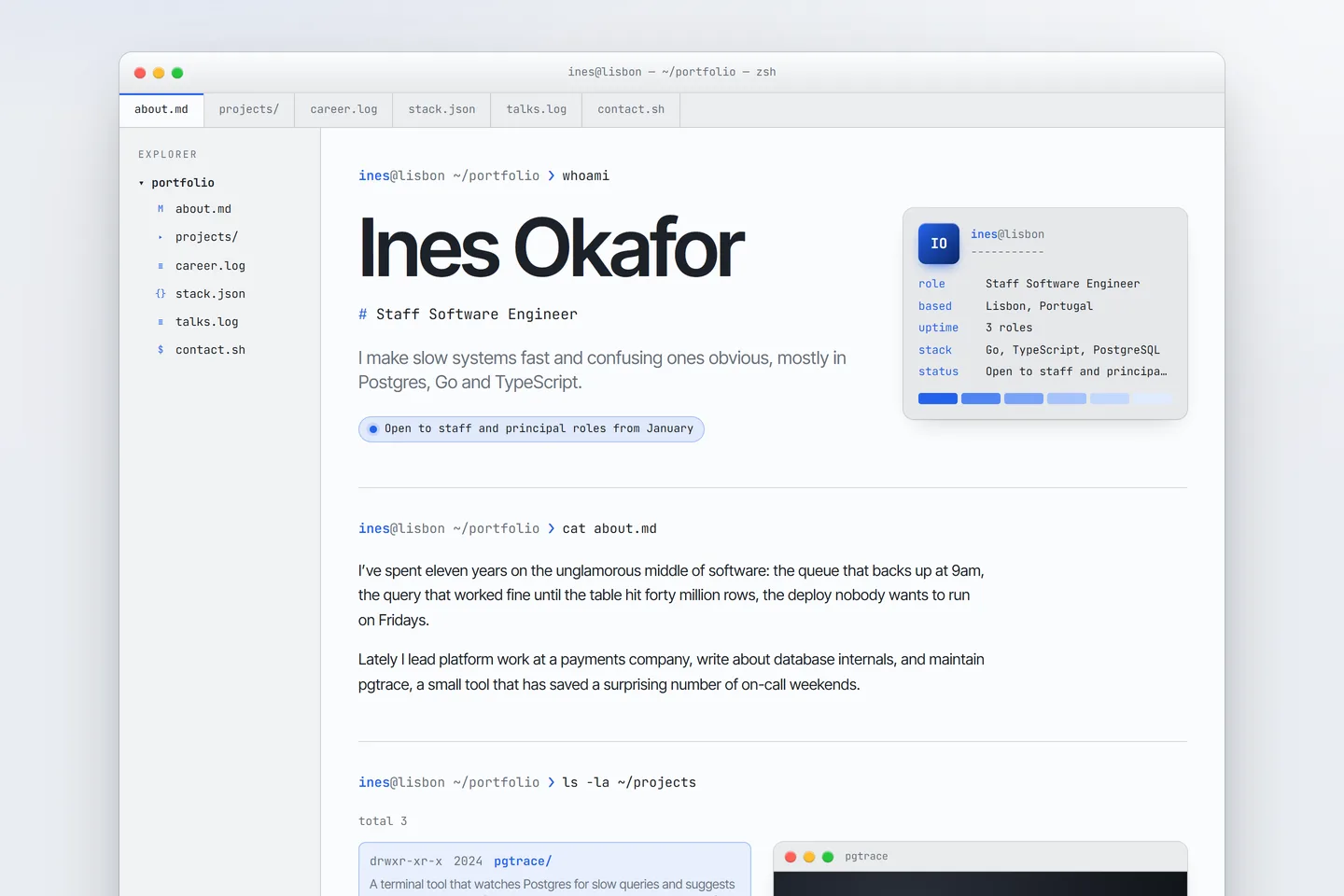 TerminalYour career as a real terminal window on a sunlit desktop: tabs, a file explorer, a neofetch card, projects and a git log of jobs.
 - 3DPro
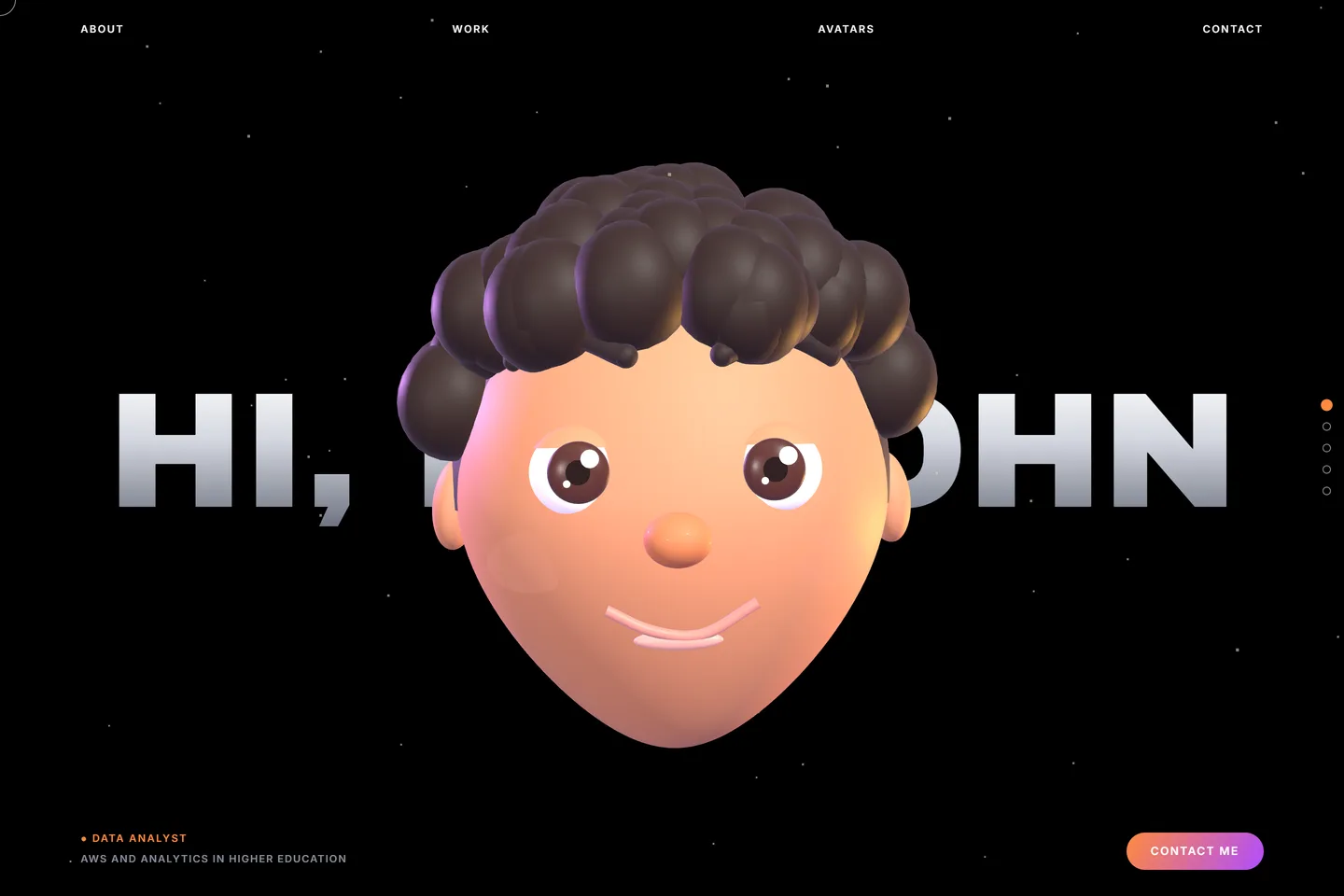 AvatarA cartoon 3D head says hi next to your name and follows the cursor. Six starting avatars that visitors can restyle (hair, skin, eyes, glasses, beard), your timeline and projects that open one by one. Pro: the Kitefolio team puts your details in for you.
Machine Learning Engineer portfolio questions
What should a machine learning engineer portfolio include?
Do ML engineers need a personal website?
Is a machine learning engineer portfolio website free?
How do I make a machine learning engineer portfolio website?
How do recruiters find a machine learning engineer portfolio?
Can I edit it without coding?
Why use Noor for a machine learning engineer portfolio?
Noor is a 3D Pro design: try it free in the editor; saving and publishing need Pro. See its gallery page. More about the design is there too.