Free template · Training Log design
Midwife portfolioin the Training Log style
A free personal website for midwives. It opens with sample content written for your job, full care package and birth preparation included, so you change the words, add your photo and publish. No code.
No card needed · your own domain with Pro
The essentials
What a midwife portfolio should include
01
What you do, in one line
Example · One midwife through pregnancy, birth and those first weeks at home.
02
Services and prices
Example · Full care package (€3,600) · Birth preparation (€180) · Breastfeeding visit (€90)
03
Results in numbers
Example · 420 births attended · 13 years as a midwife · 1 midwife, start to finish
04
Proof from people you’ve worked with
Example · “Lucía made our home birth feel safe and calm. We still talk about her every week.”
05
Skills people search for
Example · Antenatal care · Home birth · Water birth · Birth planning · Breastfeeding support · Postnatal care
06
One clear way to contact you
Example · Email, WhatsApp or a booking link, on every screen
Why Training Log
How Training Log presents a midwife
Athletic and direct: condensed type, personal bests, programmes priced like a gym board.
- It shows your numbers up front, where a hiring manager or client sees them first.
- It shows a short, human introduction in your own voice.
- It shows what you offer and what it costs, so the right people get in touch.
- It shows what clients and colleagues say about you, in their words.
- It shows the talks, awards and press that matter to midwives.
Your midwife website in three steps
01
Open it
Training Log opens with sample content for midwives.
02
Make it yours
Click any text or photo to change it, or import your CV or LinkedIn.
03
Publish
Go live at a free Kitefolio address, or on your own domain with Pro.
More midwife portfolio designs
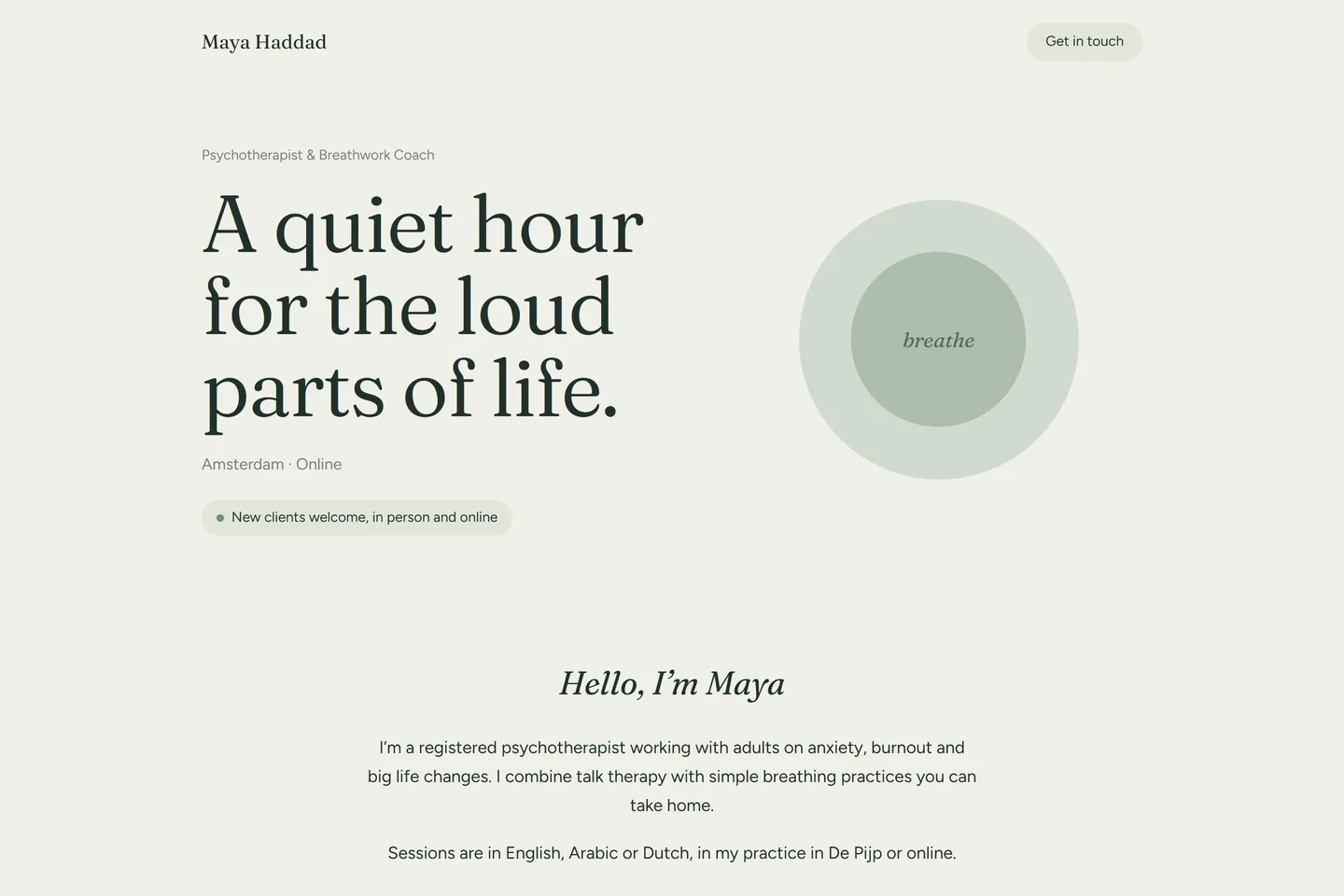 SanctuarySoft, slow and reassuring: breathing space, rounded shapes, clear prices and a gentle way to get in touch.
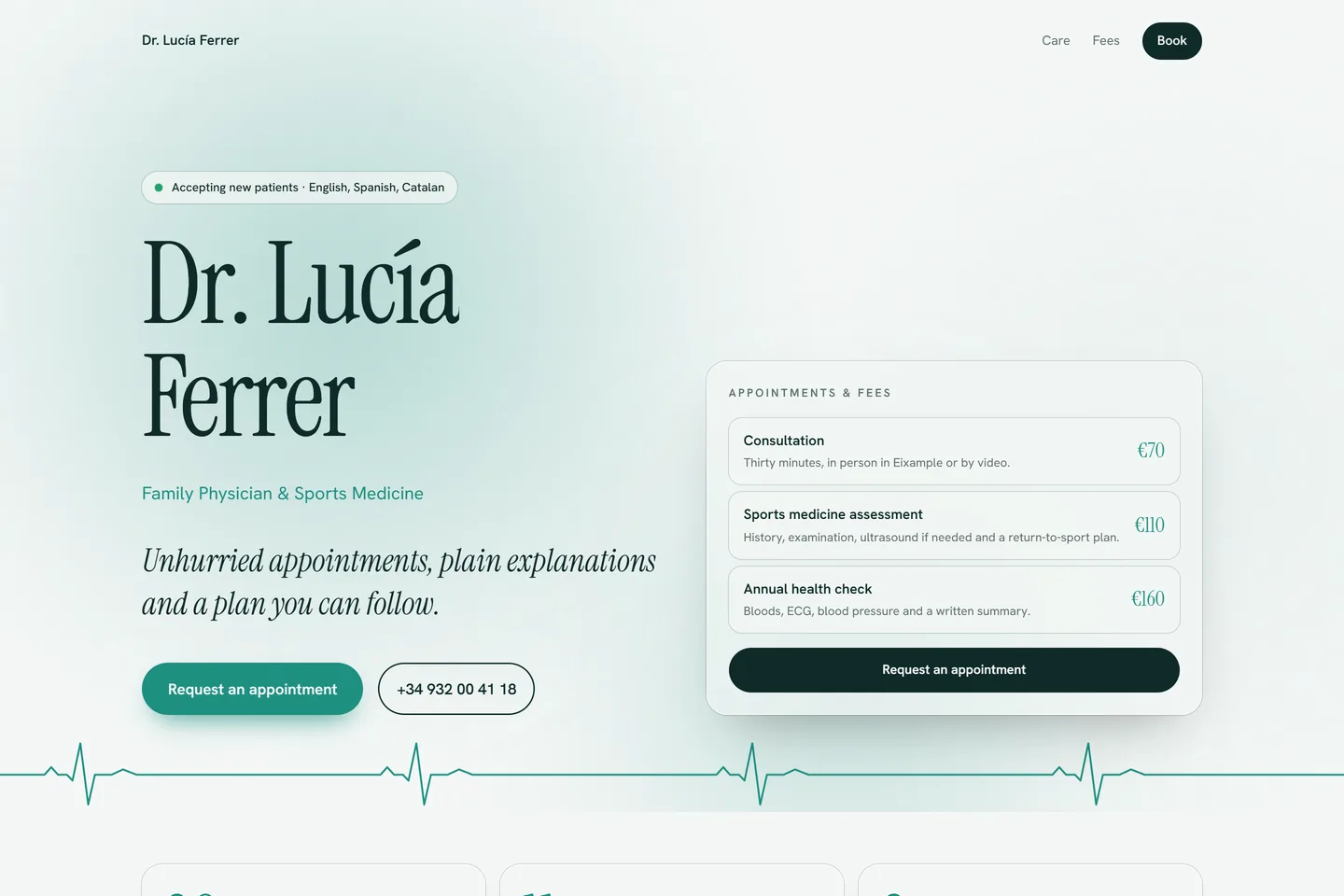 PulseA calm, living clinic site: soft light that breathes, a heartbeat that keeps time, fees you can book from and a training timeline that draws itself.
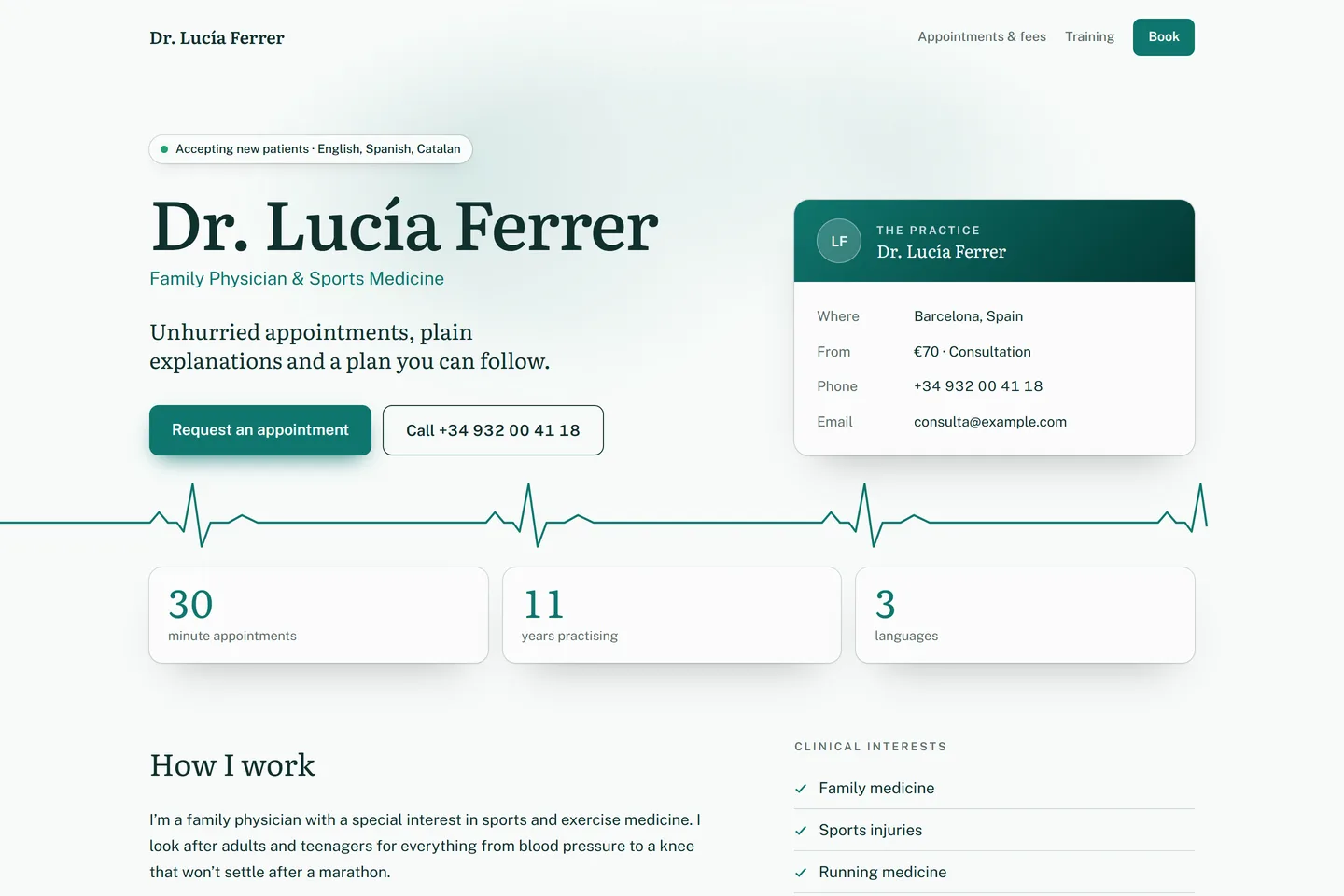 ClinicCalm and trustworthy: a heartbeat line, whether you’re accepting patients, fees, training and registration, and how to book.
Midwife portfolio questions
- What should a midwife portfolio include?
- Lead with what you do and who it’s for, then your services (for example full care package, birth preparation and breastfeeding visit), your credentials (Bachelor’s in Nursing and Specialist training, Midwifery), key skills such as Antenatal care, Home birth, Water birth and Birth planning, reviews from people you’ve worked with, and one clear way to contact you, like WhatsApp or a booking link.
- Do midwives need a personal website?
- It helps. A website is the one link you can share everywhere, it shows up when people search your name, and it says more than a CV or a social profile: what you offer, what it costs and why people trust you. Kitefolio makes one in minutes, written for midwives.
- Is a midwife portfolio website free?
- Yes. Every design is free, and your website stays online at a free Kitefolio address. Pro puts it on your own domain for AED 35 a month, or AED 299 a year with the first year’s domain free (up to AED 60).
- Can I edit it without coding?
- Yes. Click any text or photo to change it, pick colours and fonts, and publish. The sample content for midwives gets you most of the way; you replace it with your own.
- Why use Training Log for a midwife portfolio?
- Training Log shows your numbers up front, where a hiring manager or client sees them first, a short, human introduction in your own voice and what you offer and what it costs, so the right people get in touch. It opens with sample content written for midwives, so you replace words rather than start from a blank page.
Developer? The Training Log code is free to download from its gallery page. More about the design is there too.